
For Australian Dental4Windows + D4Web practices
Using D4W? Our AI receptionist integrates with it.
Patientdesk connects an AI receptionist, modern online appointments, and review automation to Dental4Windows or D4Web, without replacing the PMS your team already uses.
30-minute D4W integration walkthrough. No generic software pitch.
Official D4W integration partner
Built with D4W, not bolted on afterwards
Patientdesk works with Dental4Windows and D4Web as an official integration partner, so your existing PMS stays at the centre of the workflow.
- Keep Dental4Windows or D4Web as your practice system.
- Add 24/7 AI calls, online bookings, and review follow-up around it.
- We map the integration to the way your practice already works.
Patientdesk at ADX Sydney with the Dental4Windows team.

AI receptionist
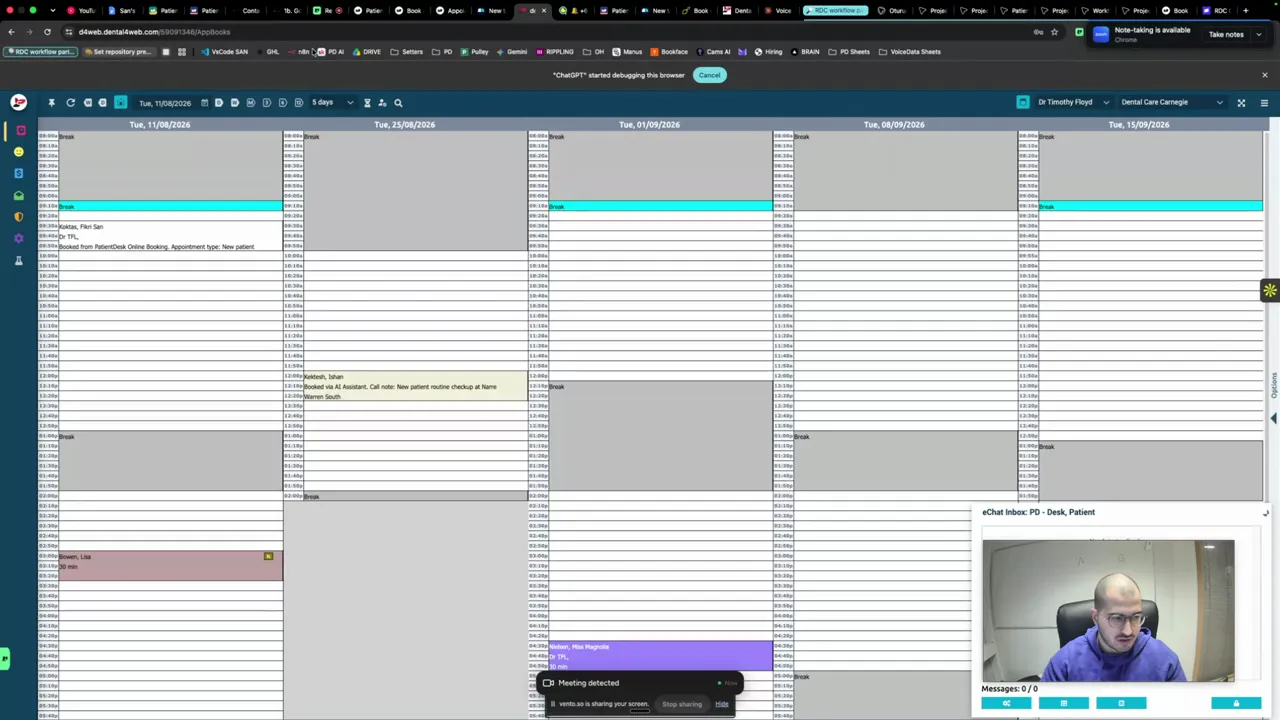
See Patientdesk handle calls around your D4W workflow
It answers patients, follows your rules, and moves the conversation toward the right D4W booking path.
- Busy periods and after-hours calls
- Human handoff when needed
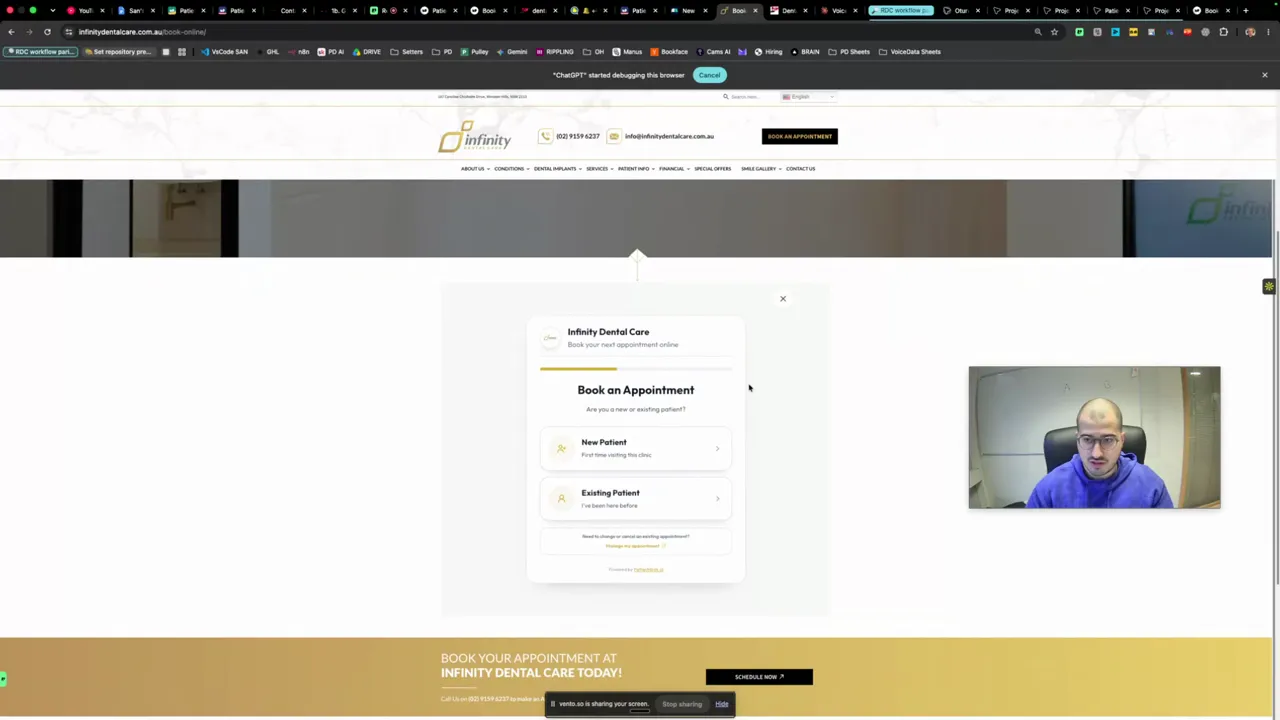
Modern online appointments
Give D4W patients a faster way to book online
Patients choose the right service and time while Dental4Windows or D4Web remains the practice system behind the experience.
- Branded for your practice
- Connected to Dental4Windows or D4Web
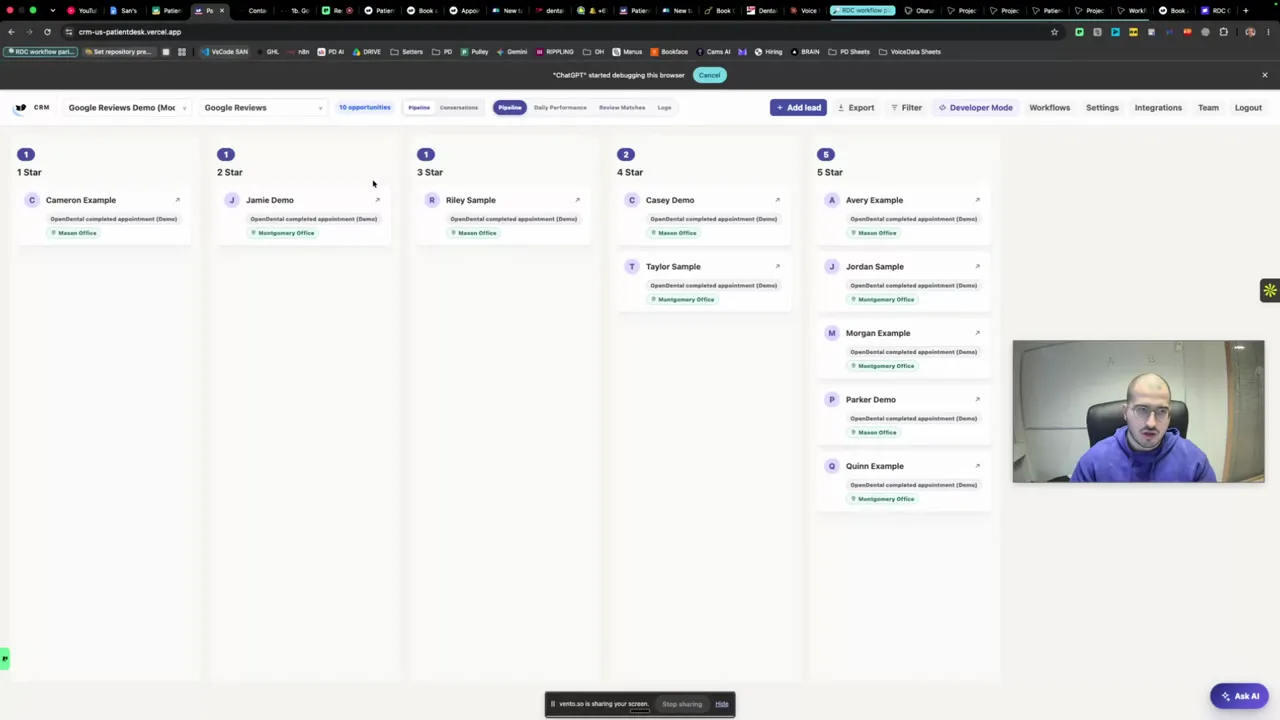
Google review automation
Trigger review requests from completed D4W appointments
Eligible Dental4Windows or D4Web appointments trigger a timely request and stay visible to your team.
- Automatic SMS review requests
- Request and review tracking
Meet the founders
Built by the team behind Patientdesk
We've been building together since 2016. Patientdesk is backed by Y Combinator and e2vc, and has raised US$3.8M to modernize dentistry.
- Öncel Özgül, co-founder and CEO
- Fikri Şan Köktaş, co-founder and engineer, MSc AI
- Emre Kaplaner, co-founder, data science and econometrics
Photo published by e2vc.

Works with your PMS







See it with your D4W setup
See exactly how Patientdesk connects to your practice
Choose a time for a tailored Dental4Windows or D4Web walkthrough.
1 of 10 · Qualification